Custom-coded is the part of my pitch that scares people. I can watch it happen. I say the site is built from scratch, no page builder, no plugins, and somewhere behind their eyes a question forms. So every time my hours change, I have to call you? No. I built an editor so you don't. I would rather show it than describe it.
The fear is fair
Every website builder on the market sells the same promise. You can change anything. Drag this, resize that, pick a new font at midnight. That freedom is exactly how small business sites get knocked over. One dragged block and the phone number is under the footer on phones, and nobody notices for a month.
A custom-coded site closes that door on purpose. The trade is that you need a different door for the changes you actually make: words, photos, hours, prices, a new post. That door is Publisher.
What you see when you log in
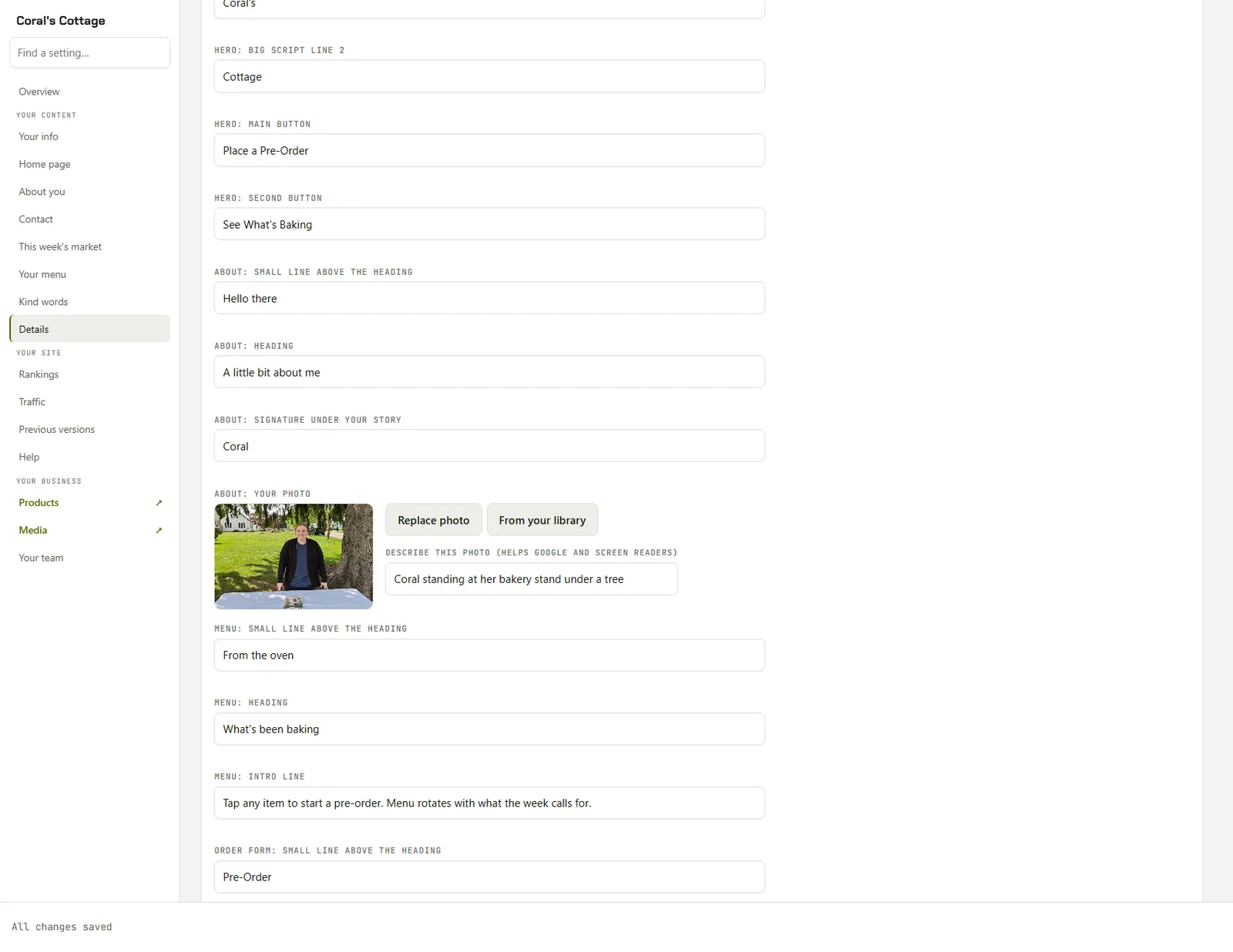
Everything is on the left. Your info, Home page, About you, Contact, your menu, your kind words. One entry for each part of your site. Open one and you get plain text boxes with plain labels. Hero: main button. About: heading. Menu: intro line. You are not looking at code, and you are not looking at a blank canvas. You are looking at your own website, one sentence at a time.
Type the way you would type an email. A blank line starts a new paragraph. Start a line with a dash and a space and you get a bullet list. Two hashes and a space makes a heading. That is the whole formatting manual.
Looking for one thing? There is a Find a setting box at the top of the sidebar. Type hours and the editor hides everything that is not about hours.
Photos work the same way. Every photo spot has a Replace button. Pick one off your phone or your computer and it gets trimmed to fit that spot before it uploads, so you never crop anything first. Under each photo is a short description box, because Google reads it and so does anyone using a screen reader. The site check on your Overview points out any photo that is missing one.
The bar that matters

This is the whole publishing system.
- Save keeps a draft. Your website does not change.
- Preview opens the draft in a new tab with a banner across the top. It is a private link. Send it to your spouse or your business partner for a second opinion.
- Make it live publishes it. Then the editor checks the live site itself before it tells you your changes are live. It does not guess.
There is a line at the top of the screen that says nothing changes on your website until you press Make it live. It is the most important sentence in the product. You can poke at anything, walk away for a week, come back, and the public site is exactly how you left it.
When you change your mind
Every time you go live, the version before it is kept under Previous versions. Restore puts that older copy back and makes it live right away. Restoring counts as a new version too, so you can always step forward again. It is the undo button a website should have had all along.
What is locked, and why
You cannot rename a page or a button, and you cannot move sections around. That is not something I forgot to build. Renaming a button can break the link behind it. Moving a section around is how layouts fall apart on a phone. Those changes are cheap for me to make and expensive for you to make by accident, so they stay on my side of the line. Ask, and I will do it. Everything on your side of the line is safe to touch.
The first day
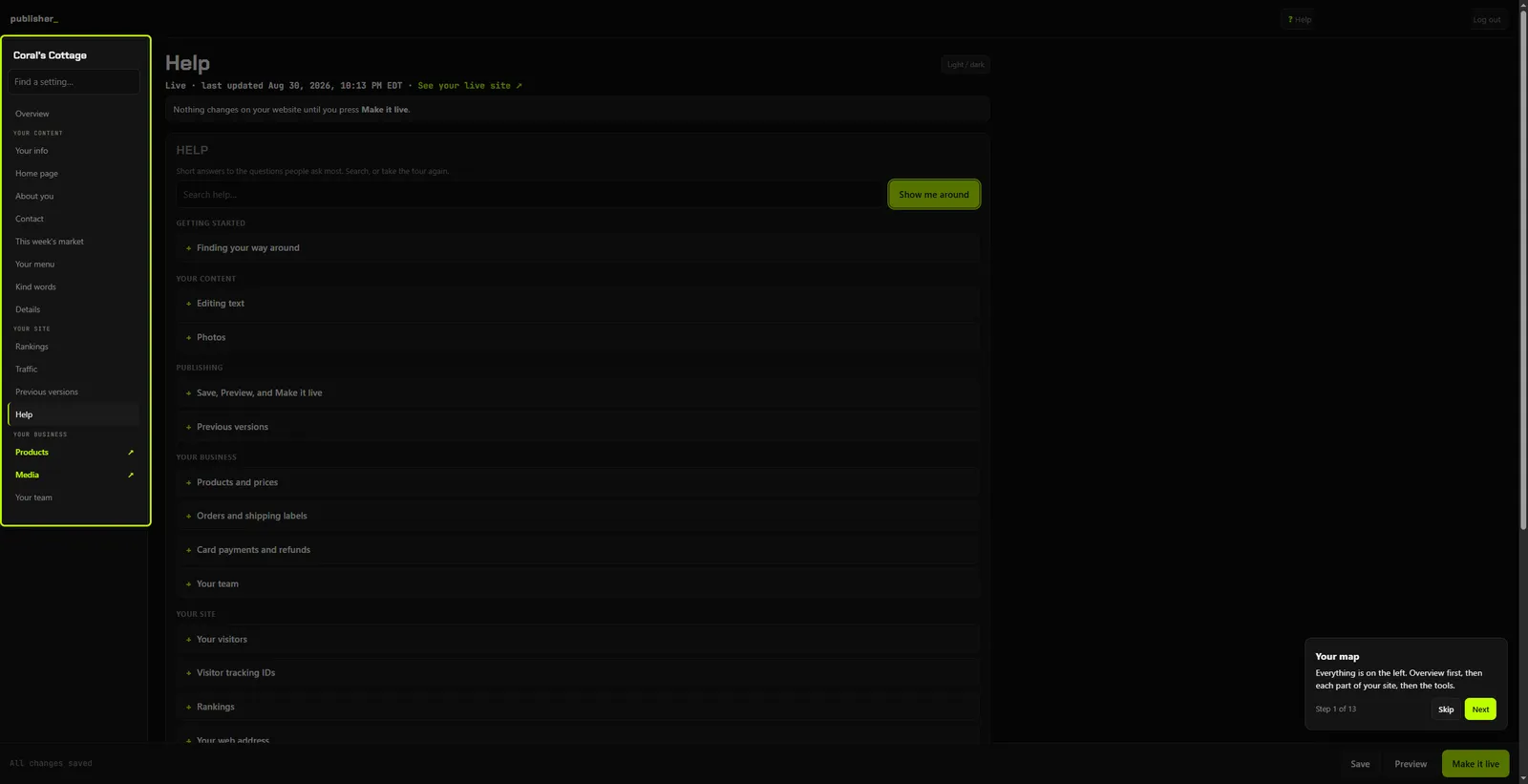
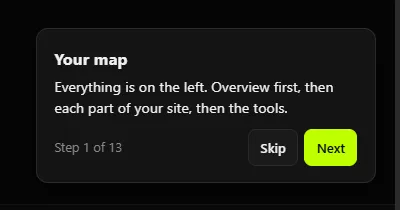
New tools are fine once you know where things are. So the editor has a Help tab with a short article for every screen, a search box, and a Show me around button that walks you through the whole thing one card at a time. Your map. How the site is doing. Find a setting. The bar that matters. Run it once on day one, and run it again in six months when you have forgotten.
If the answer is not in there, there is an Ask Chad box at the bottom of the Help tab. It sends me your question along with which screen you were on, so you never have to explain where you were. Or text me. My number is at the bottom of every page.
The rest of it
A few more things live behind the same login. Overview shows how the site is doing: pages, posts, visits, and whether what is live matches what is in the editor. Your visitors shows who came, from where, and what they did. Rankings shows where you sit on the Google map for the searches that matter around town.
If you sell things, prices, stock, and orders live in Products, and changes there are live the moment you save. Blog posts have their own list. Write one, keep it as a draft, or give it a date and it goes live that day by itself. And Your team lets you give someone else their own login. An Owner can publish. An Editor makes changes and sends them to you to approve. A Viewer can look and never touch.
What it costs, and what happens if you stop
Publisher is $35 a month. The site is built and paid for before this ever comes up, and it runs without it. Cancel, and the editor goes away. The website does not. It keeps running exactly as it was the day you stopped. It also stacks with a care plan, if you would rather I handle the changes that take real time and you handle the small ones the day you think of them.
Custom-coded means the site is built right and nobody can knock it over. It does not mean you cannot touch it. It means the parts you should touch are the parts you can.